Verification
While using Benjamin, samples will be recorded when issuing commands or saying ordinary words in sleep mode. To use these samples, you need to ensure that they match the detected words. For verifying these samples, you can switch to the Verify tab and press space to start the verification process. While verifying sleep mode samples, make sure that all words were wrongly detected.
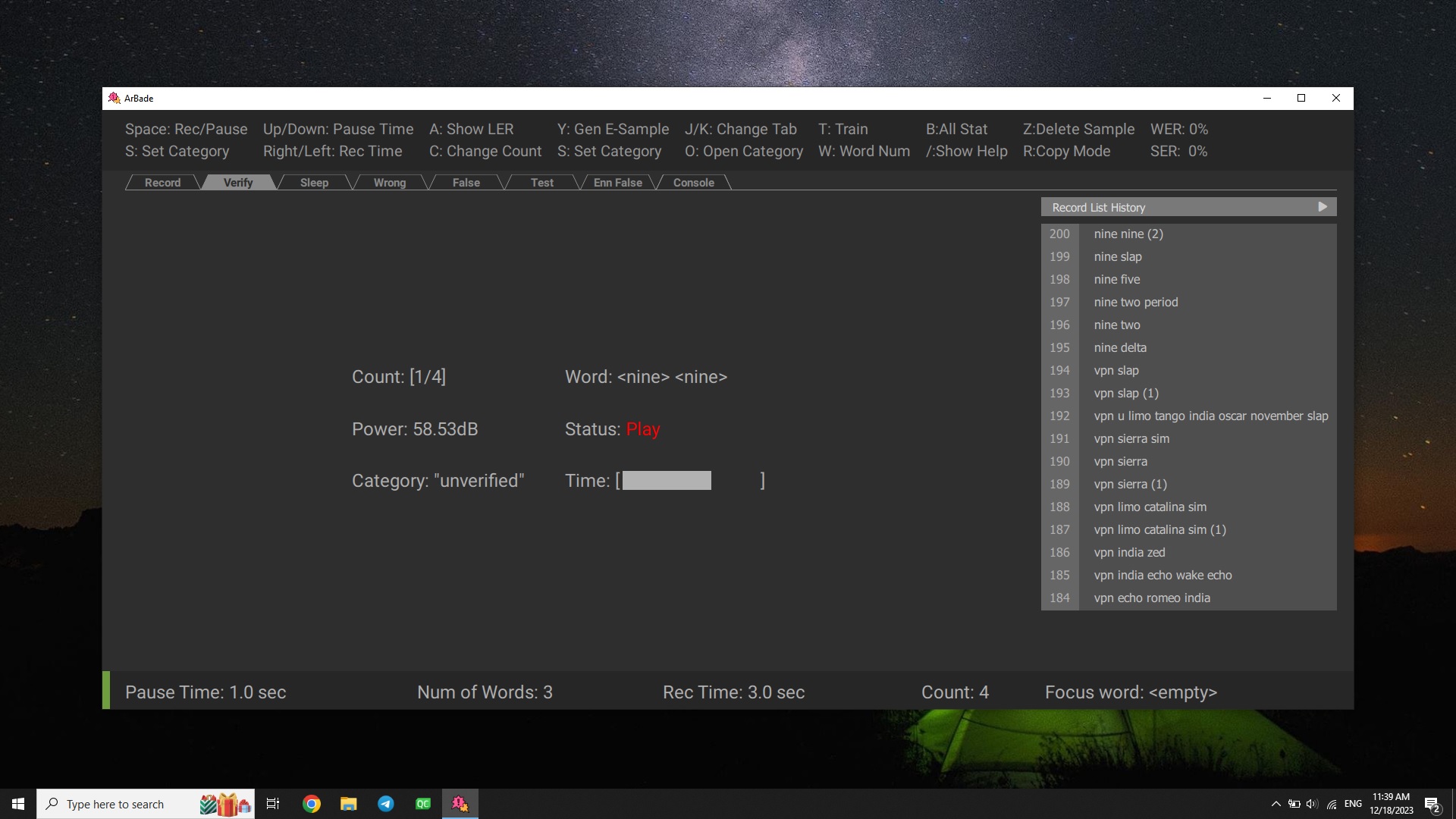
If the sample is wrong, press Z to delete the sample while playing or at Decide Pause status after the voice stopped. By default, after playing each sample in the unverified category, if there wasn't any key press, the sample will be verified. You can change this behavior by pressing R.