Demo Training
1. Select Your Word List: 1 min
Open Gym software and set the word list to demo.
2. Record Audio Samples: 45 mins
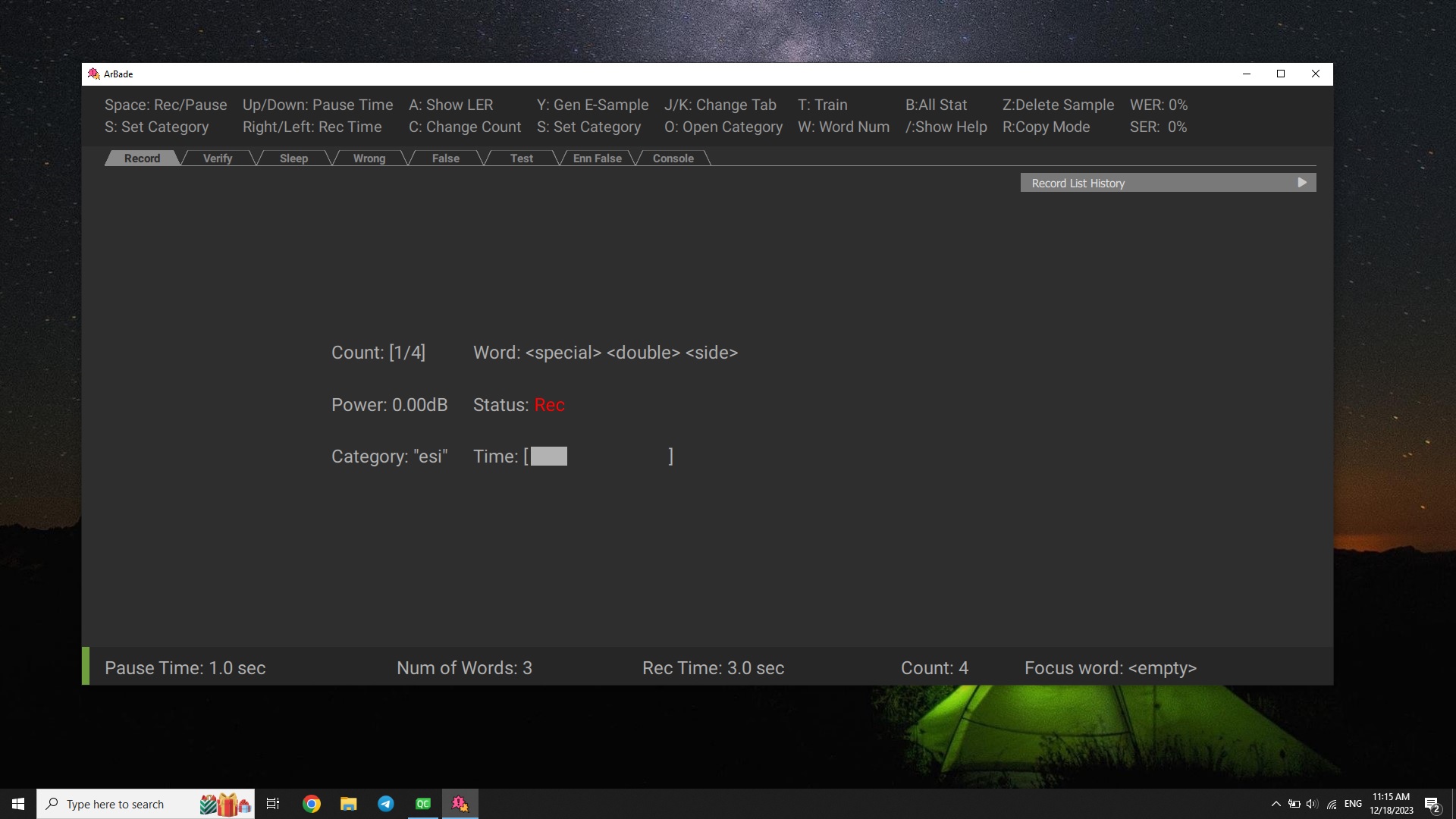
For demo, record about 400 samples. A sample is an audio .wav file consisting of three spoken words. Start recording a sample by pressing space.
Info
When the recording starts, three words will appear on the screen, and you have 3 seconds to say them. The timer will be shown on the screen. For best performance, try to say the words not close to the edges: give a small pause after start and try to finish 200ms before time runs out.
3. Training The Model: 15 mins
-
Train your model by pressing
T.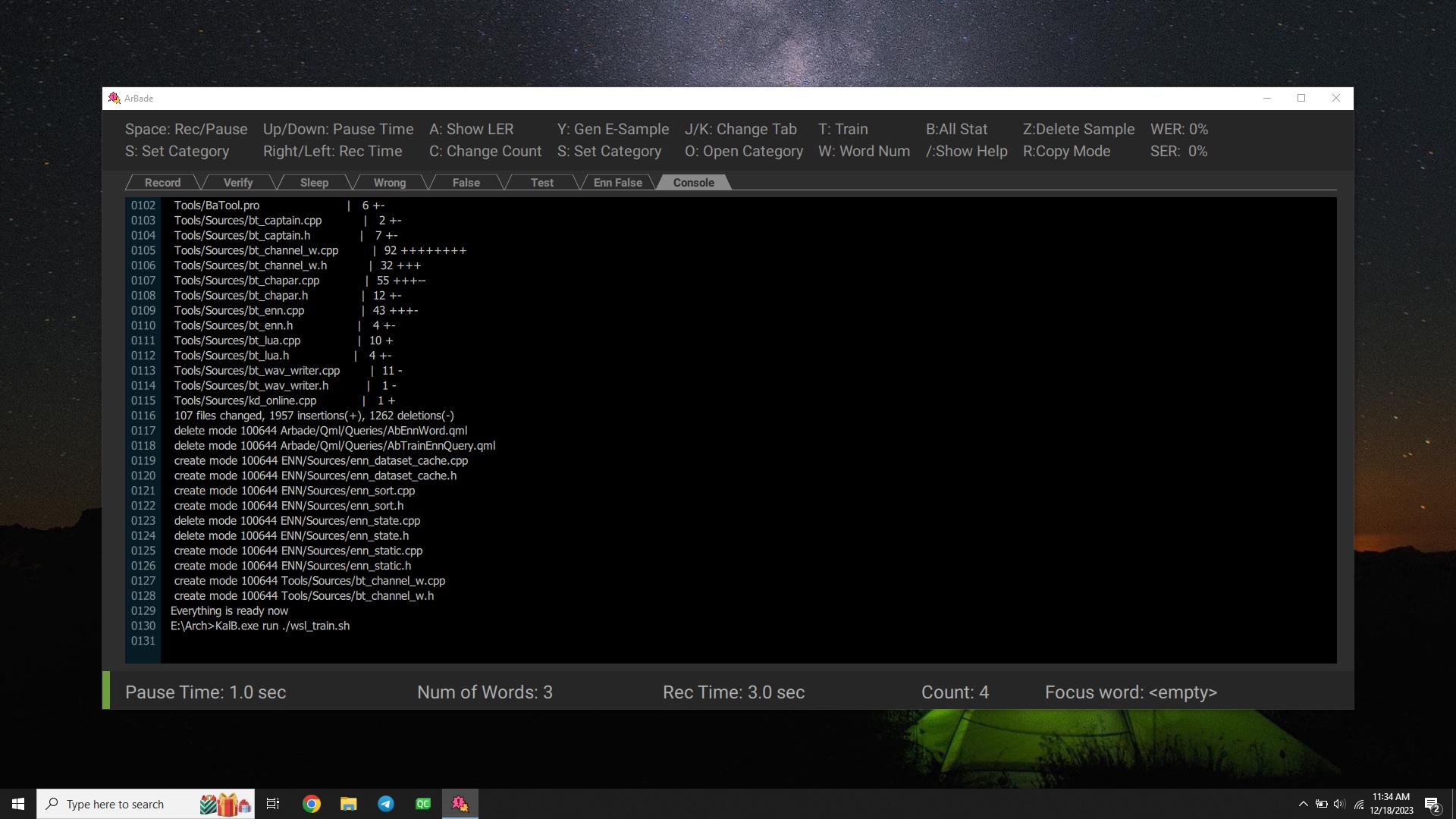
-
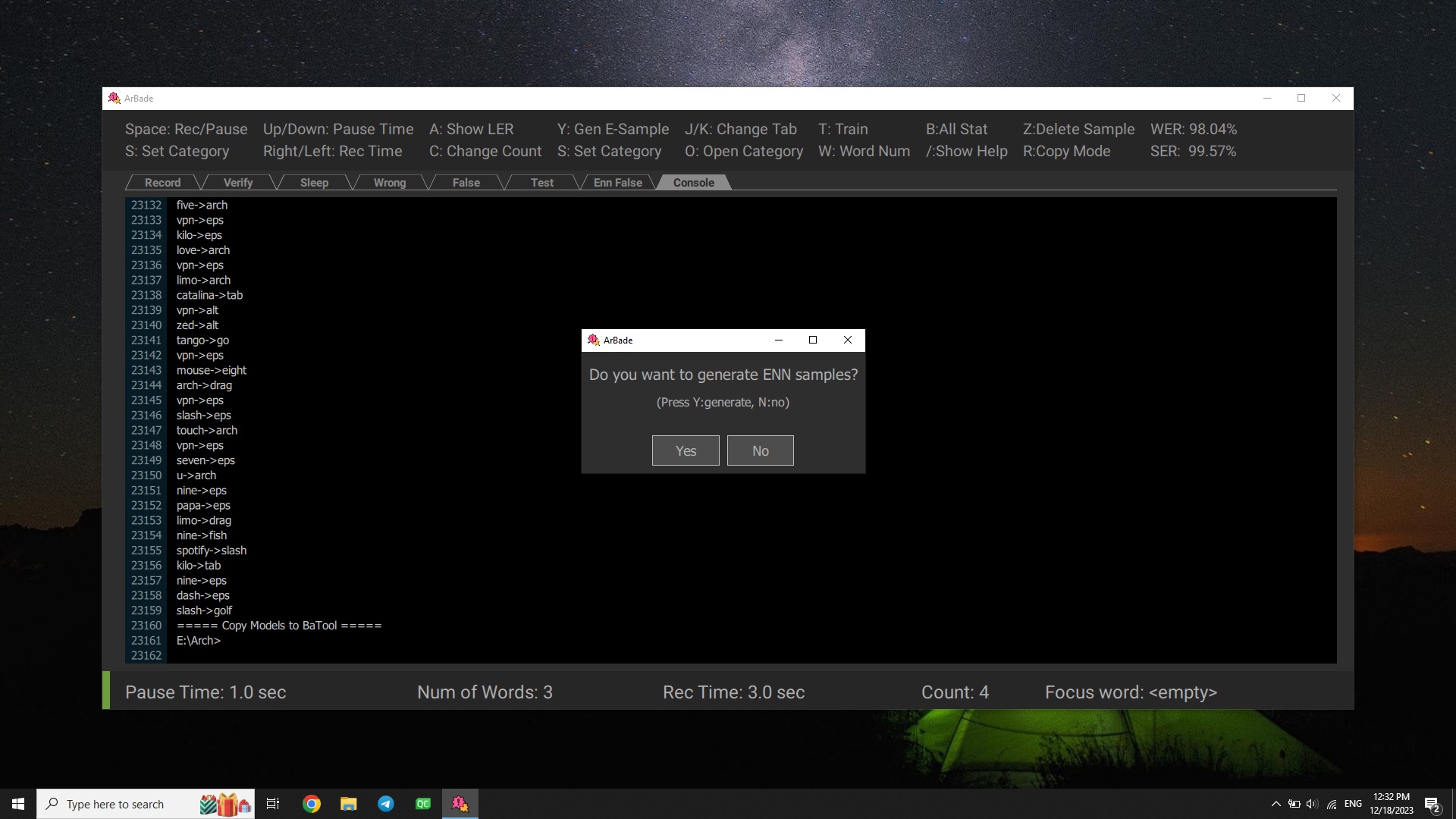
Wait for
Generate Enn Sampledialog to show up, this could take a while. SelectNoin the two following dialogs.Hint
Generate Enn Samples is only required for training the neural network. You can skip this for now. To learn more about these features, please check out Advanced Training.
-
Congrats! Your model is now ready.