Full Training
1. Select Your Word List: 0-20 mins
- Default: No changes need to be made.
0 min - Custom: Add or remove words as you please. However keep in mind that to achieve decent performance from the engine, you need to train
Count^2samples, whereCountrepresents the number of words in your word list.20 mins
2. Record Audio Samples: 1 week
The number of samples depends on the user, but generally the more the merrier. A sample is an audio .wav file consisting of three spoken words.
Hint
- Default Wordlist: At least 5K samples.
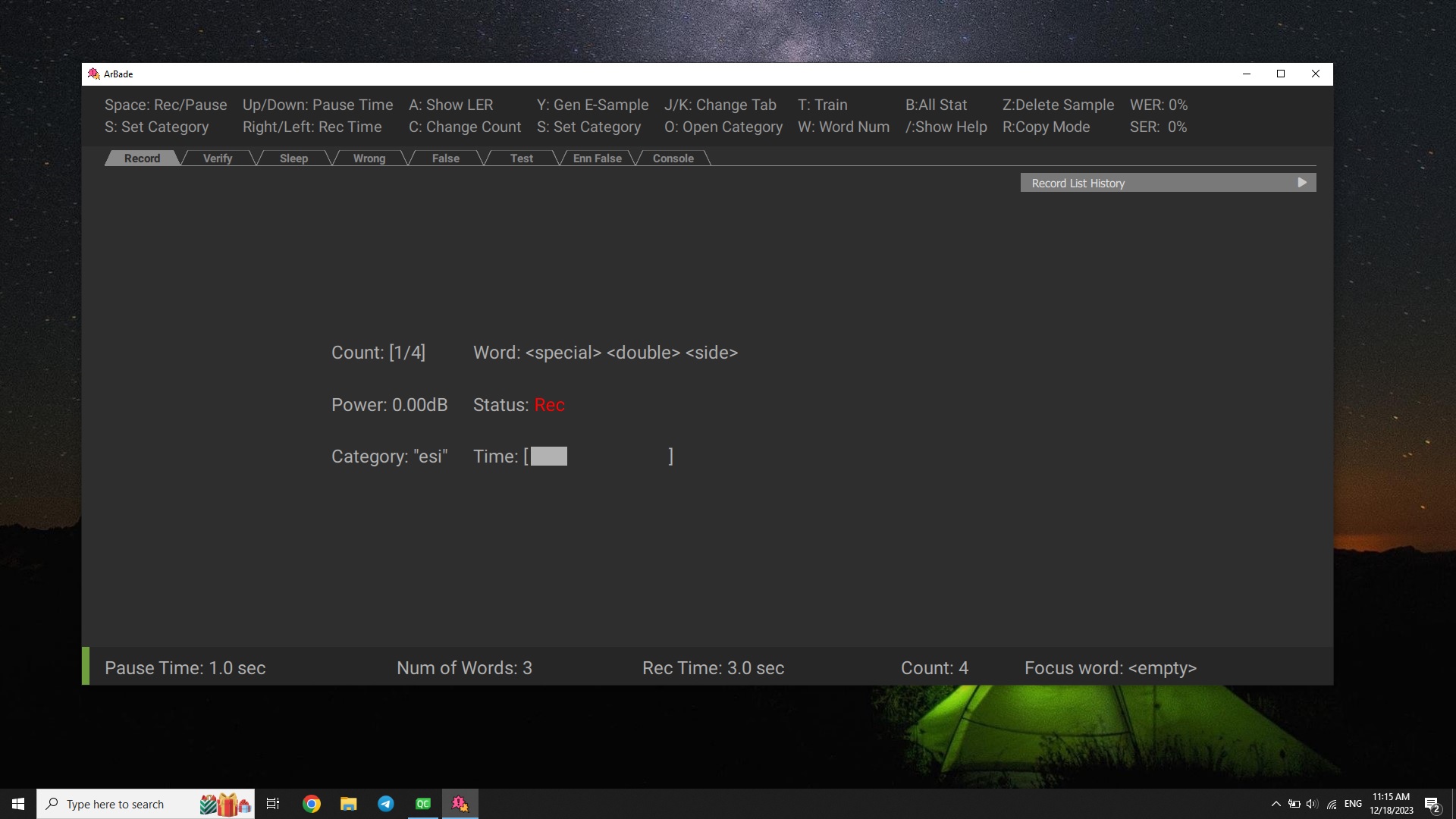
Start recording by pressing space.
Info
When the recording starts, a couple of words will appear on the screen. The default setting is 3 words, and you have 3 seconds to say them. The timer will be shown on the screen. For best performance, try to say the words not close to the edges: give a small pause after start and try to finish 200ms before time runs out.
3. Training The Model: 1hr
-
Train your model by pressing
T.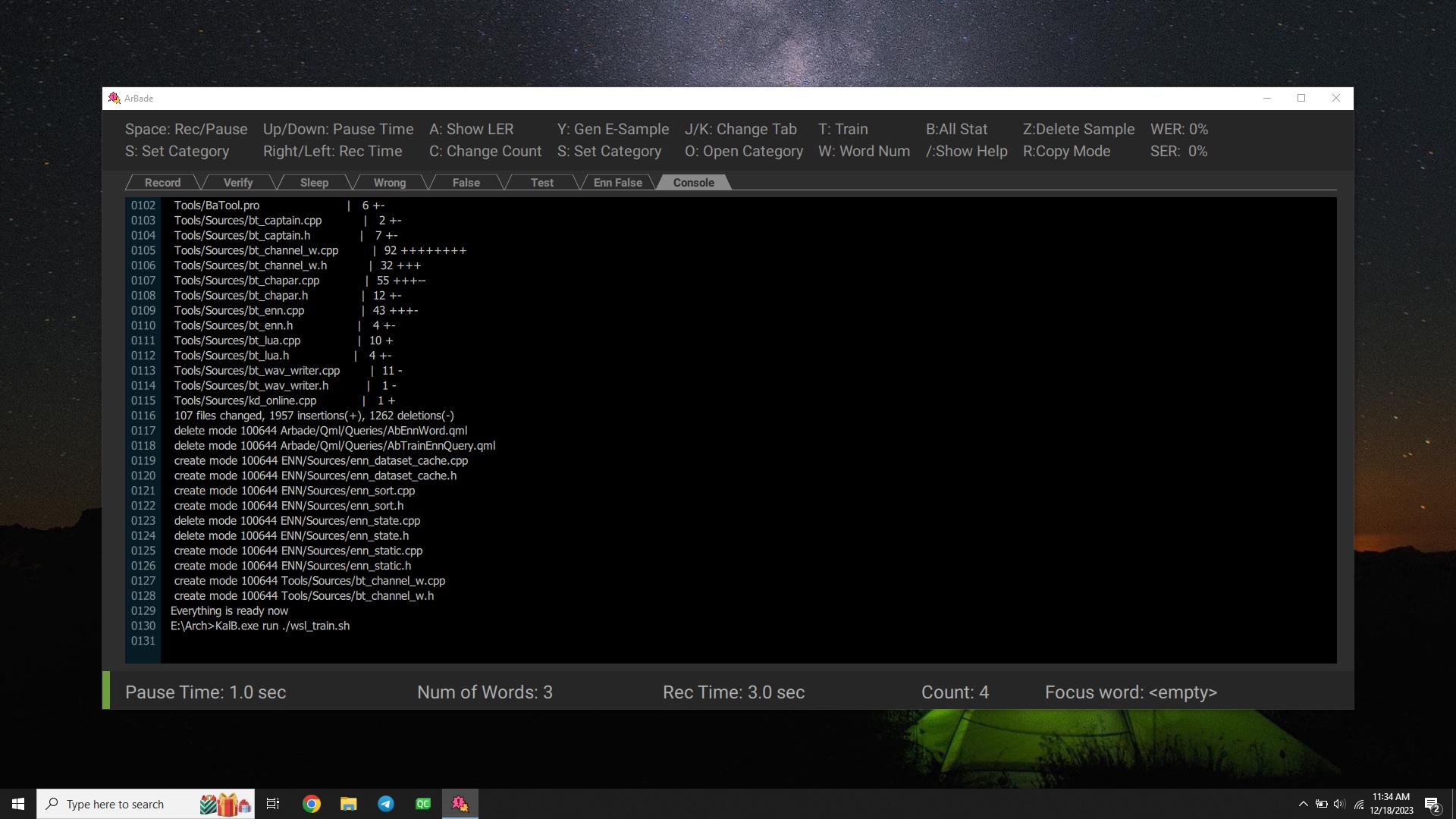
-
Wait for
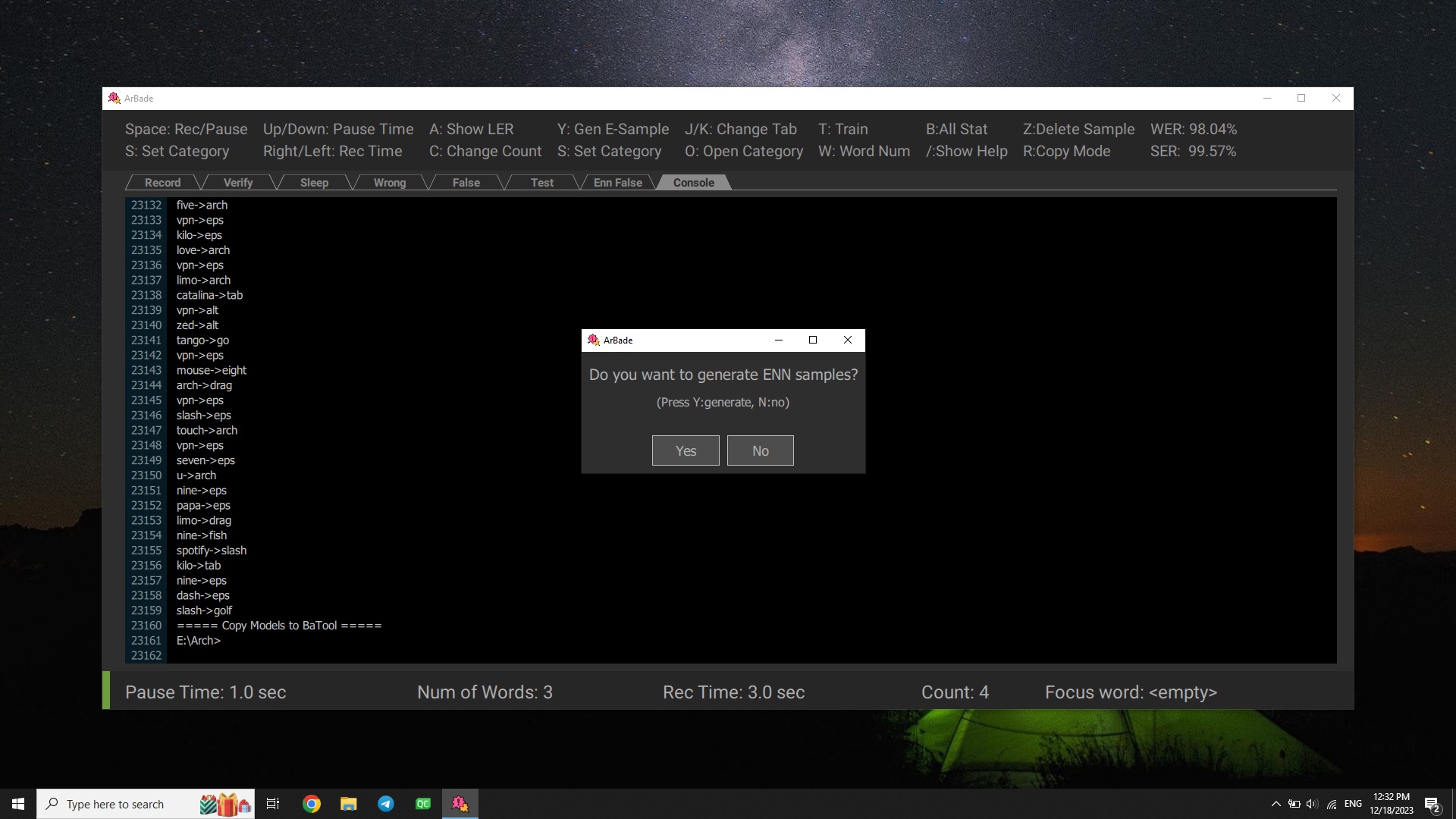
Generate Enn Sampledialog to show up, this could take a while. SelectNoin the two following dialogs.Hint
Generate Enn Samples is only required for training the neural network. If you are a newcomer, you can skip this for now. The next dialog is also only used in advanced mode, so you should be fine skipping both of them as mentioned. To learn more about these two features, please check out Advanced Training.
-
Congrats! Your model is now ready.
More Info
A detailed description of Gym functionalities is available in the Gym User Guide.